
 Smart Plug
Charging done.
Power off.
BrightZero automatically cuts power to your charger when charging is effectively complete. One button. Less to remember.
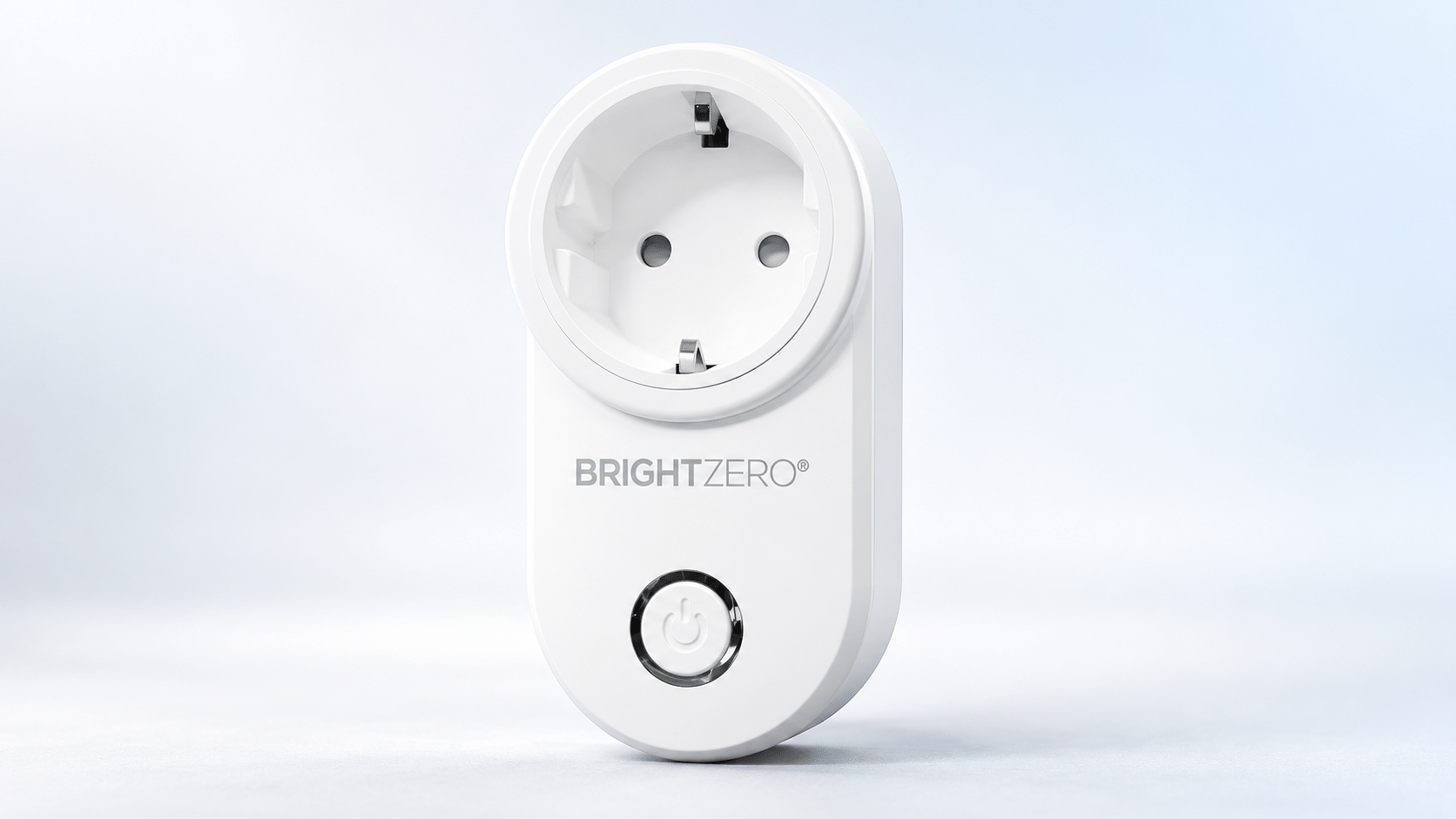
Let charging end.
Let life carry on.
A simple addition to your charging routine, with benefits beyond the battery.
Added safety
Reduces unnecessary time that the charger and connected device remain energised after normal charging.
Battery care
Helps reduce unnecessary time at full charge and post-charge charging, supporting battery lifespan.
Less energy wasted
Cuts power to the charger after charging, reducing unnecessary post-charge energy use.
Every charge
deserves a full stop.
Charging has a purpose.
So does knowing when to stop.
Illustration of the principle, not a measurement of charging time or battery level.
The charging ends.
The power stops.
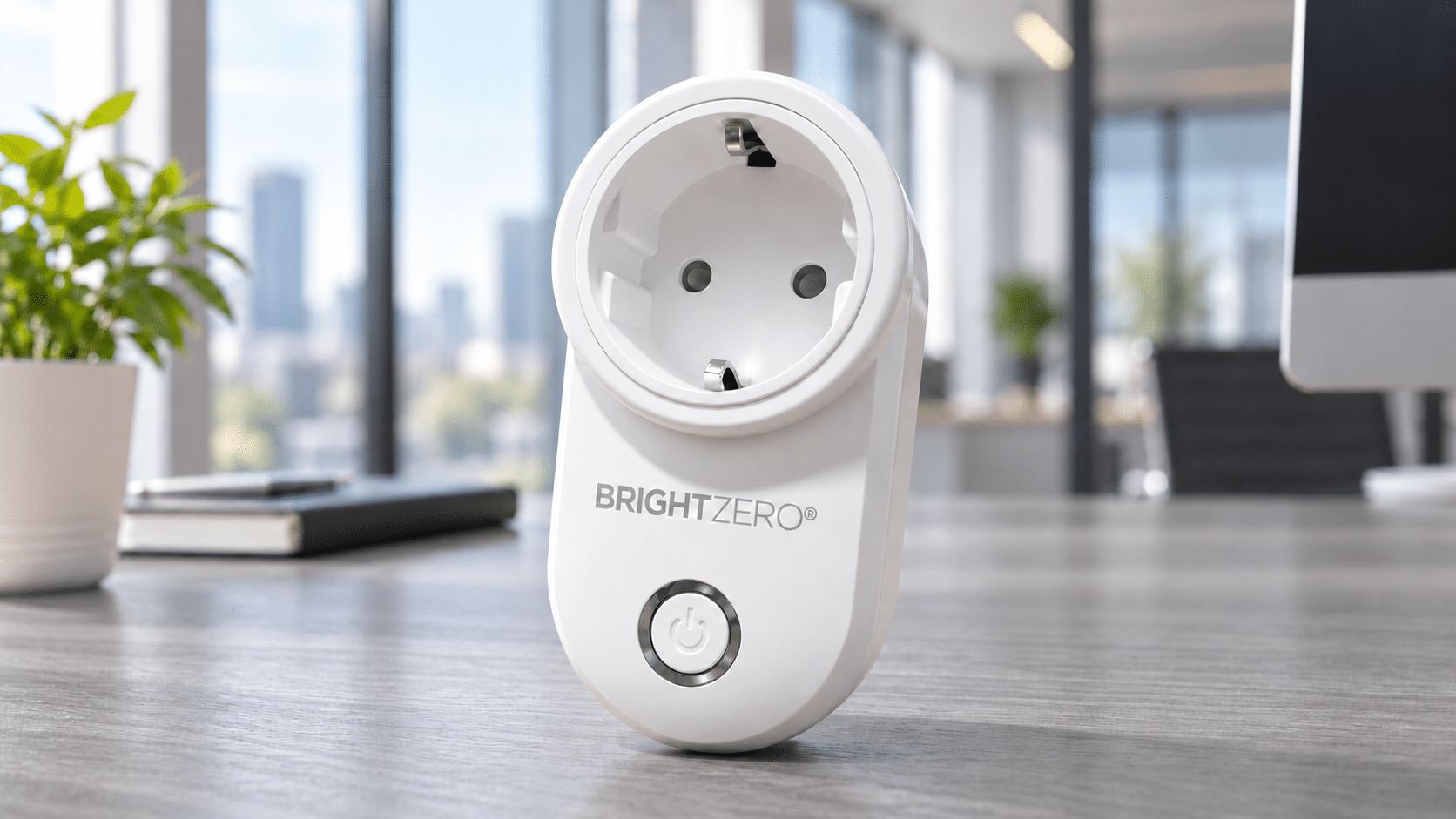
Plug in.
Connect Smart Plug to a wall outlet, then connect your charger and one device.
Press once.
The green LED turns on. Charging starts.
Let BrightZero finish.
Once charging is effectively complete, power to the charger is cut off. The LED turns off.
Finished charging.
Still plugged in?
A device may finish charging long before you disconnect it. BrightZero takes care of that final step by cutting power at the source.
Example only. Actual charging time varies. Always follow the device and charger manufacturers’ safety and supervision instructions.
At home. At work.
In your everyday.
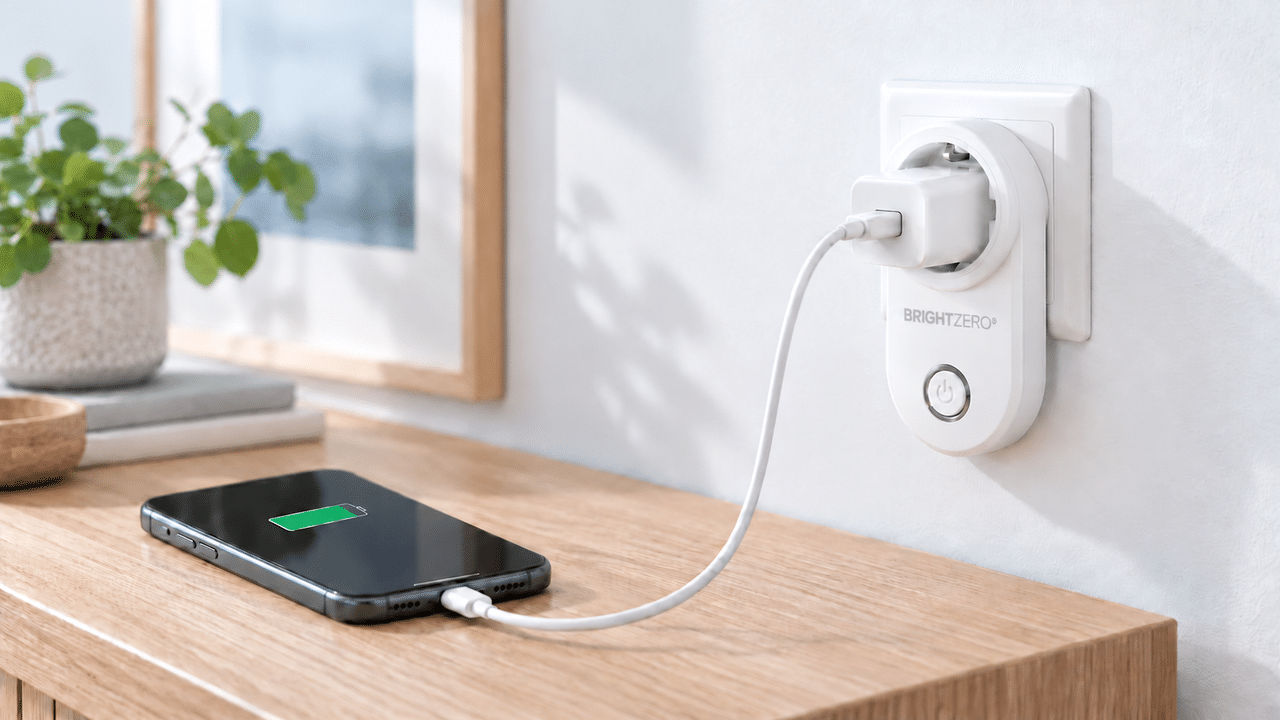
Less to remember.
From a phone to a Bluetooth speaker, give everyday charging a clear finish. Use one rechargeable device at a time.
For compatible lithium-ion battery devices. Multi-port chargers, wireless docks and very low-power devices can affect cut-off behaviour. See the user guide and usage notes below.
A small change.
A better charging habit.
Use the energy you need. Cut unnecessary power after charging. Care for the devices you already own.
Discover the technology behind it ↗Find BrightZero near you.
Discover retailers and distribution partners in your market.
Become a distribution partner.
Bring smarter charging to your market. Talk to us about distribution, wholesale supply and retail opportunities in your region.
Discuss your market ↗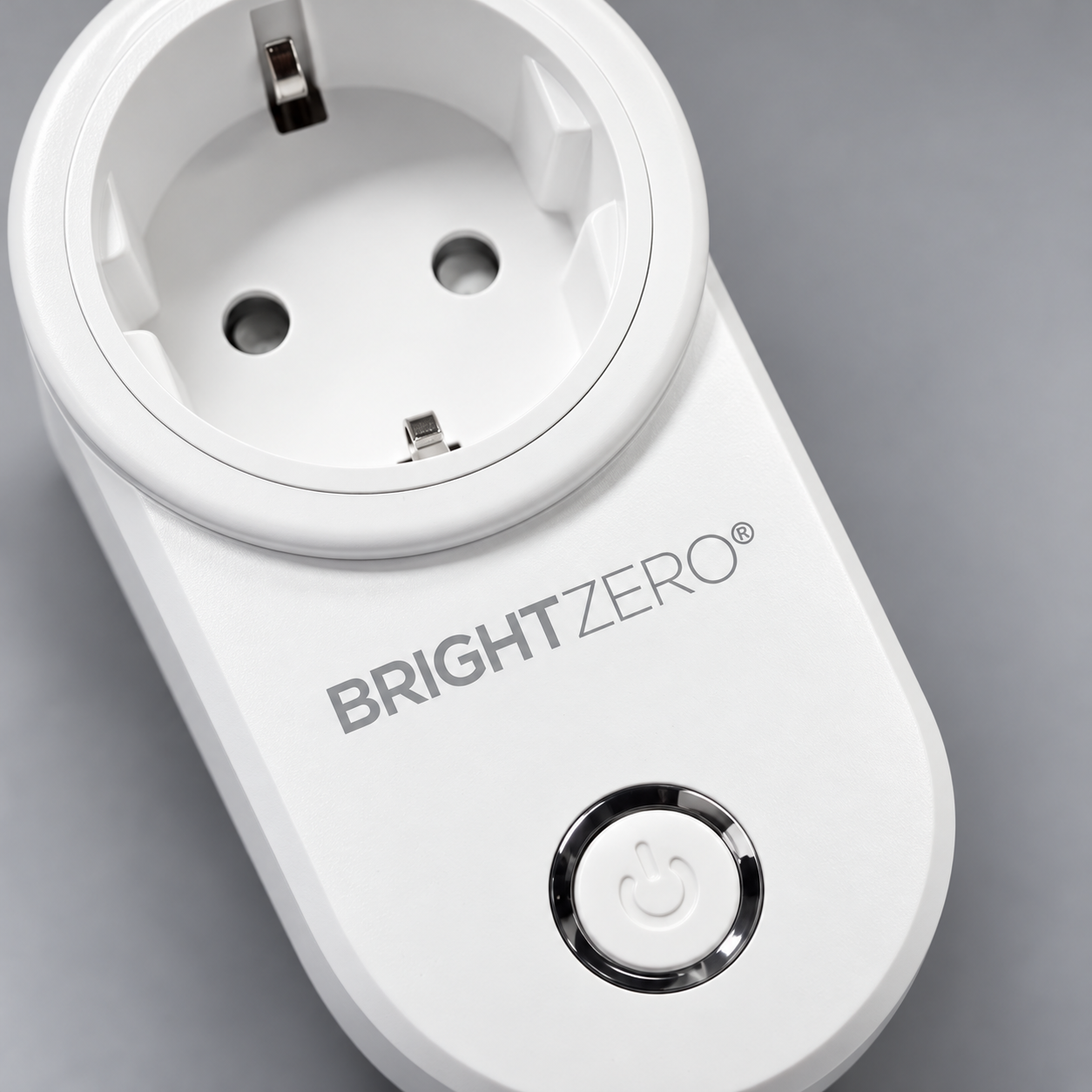
Good to know.
How full will my battery be?
Charging typically stops at approximately 90–100% state of charge. The result depends on device settings, including optimised charging, battery characteristics and charger behaviour.
Does it need an app or Wi-Fi?
No. BrightZero Smart Plug operates independently. Connect your charger and device, then press the button to start a charging cycle.
Which devices and chargers can I use?
Charge one compatible lithium-ion battery device at a time. Multi-port chargers, extension cords, wireless charging docks and very low-power devices may affect cut-off behaviour and the final charge level. A battery in poor condition or a very low-power device may stop charging earlier. Consult the user guide for suitability and operating limits.
What should I know about safe use?
Normal charging means that the device, battery and charger operate as intended. Smart Plug does not monitor the battery’s internal condition or replace its battery management system or the charger’s protection functions. Cut-off cannot be guaranteed in every fault situation.
Do not charge damaged or faulty batteries or use a damaged charger or cable. If unusual heat, swelling, odour or smoke occurs, stop charging and disconnect power if safe to do so. Use only in dry indoor spaces and do not connect Smart Plugs in series. Follow all manufacturer instructions, including any supervision requirements. Smart Plug does not replace required supervision.
Where can I find compliance information?
BrightZero Smart Plug is CE-marked. Contact support@brightcharger.com for the applicable Declaration of Conformity and supporting documentation.
The same idea. In your next product.
Explore BrightZero technology and integration opportunities.